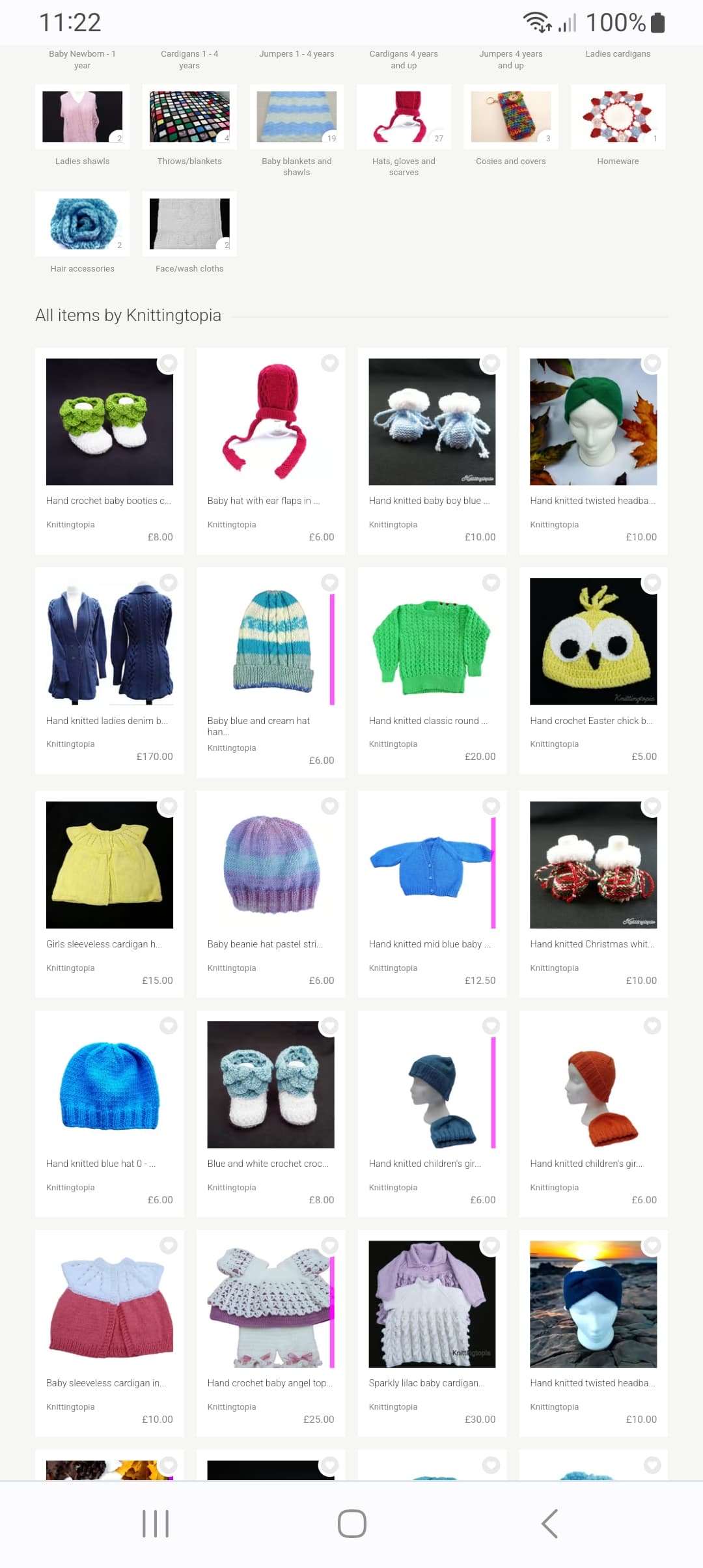
I have one on the front page so think I am going to move it via Shopkeeping so it is on the next page as every time I hit my Folksy desktop link it opens my home page and Avast Squeals at me.
I did report this yesterday evening via Urgent email when I got the antivirus message as I could be 100% clear if was coming from my Folksy front page which was scary to say the least. @SilvanaJewellery ooh you have got a lot…
PS @dougfolksy I have moved using shopkeeping the first of my corrupt address pictures …my ‘Brick Heart’ about which I emailed yesterday to my second page so I don’t upset my virus protection everytime I go to my shop.
Hi I emailed Folksy Support yesterday .
This is their reply.
——————
Hi Ali
Thanks for getting in touch.
We’re aware of issues with some images on the site today and we’re sorry for any inconvenience. Unfortunately our engineer is not working today but hopefully this issue will be fixed as soon as possible tomorrow.
@JOYSofGLASS I use Avast too and can view your shop (and that specific item) with no problem (other than the initial thumbnail being broken), so hopefully it won’t be affecting customers in the same alarming way.
I’m using Avast too on my (fairly old) laptop & was getting the same error as Joy. Had a panic at first & was worried the laptop was being weird. My shop is also missing images. Can’t see them on the laptop or my phone…
Kim Thanks for responding.
I am not concerned that my listings are not available and I have plenty others to choose anyway from but…If I were a customer and got that message on my screen when going into a shop I would very quickly exit that shop (and run a full virus scan on my computer (as I did last night )).
I am more concerned though as to how on earth image reference source code across many of our shops seems to have been suddenly and randomly corrupted and am hoping it has not come about because of an ‘unfriendly’ outside factor… certainly some results from Google search re ngrok.botnet would indicate that could be the case.
In this case the bot appears to just be trying to use the server space to mine for crypto currency (always was a weird idea!) but it could easily have been one which goes extracting data.
How safe does this make our personal data ?
Joy
PS I happened to be in this shop. It is Severely affected.
Hello – I’m really sorry, those images that weren’t working were the result of code changes from our image migration work.
The issue will have affected some older images and images from a couple of shops that most recently were imported.
We’ve pushed a fix for this, now, and have seen the images for those shops loading again.
The URLs being generated for those images were related to a service we used for the image migration and were completely legitimate – they just didn’t work once the migration was completed.
My sincere apologies for any inconvenience or concern this caused,
Doug.
@Knittingtopia
Hmm. That could be one to take to support with details of the device and browser you’re seeing that in, sorry.
I can confirm that I’m not seeing that in any of the browsers I have installed here but, of course, there are a great many browser/device combinations!
@gerdabags If you mean in the forum then that’s a different issue. The new image formats don’t work to create a thumbnail in the little preview part when you copy and paste a link. You can either copy and paste the image address, as well as the listing address, or copy and paste the image (which will upload it to the forum similar to if you uploaded straight from your device). If you do it the upload way, you can then highlight the bit of code it brings up, click the 4th icon for hyperlink, and copy and paste the listing address where it says to paste the URL. The will give you a large image that is clickable to go to the listing page.
@dougfolksy, Hi I’m having problems sharing my listings photos to Twitter from my shop page. When I go to share to Twitter there’s text but no image. I’ve tried other items in my shop PearTreeArt but it’s the same. I’ve cleared the cache on my phones app and checked for the latest app updates but its still not working. I saw this online Troubleshoot Twitter publishing errors - Hootsuite Help Center
4 Jan 2023Twitteris blocking the URL because it is suspected of being malicious or spam.) Is there anything in the coding on the Folksy photos that would stop the photos uploading to Twitter?